
Instead of manually checking for new parcels every day, set up Collin County land listing alerts through an agent-managed saved search or a property-search account that supports notifications. Define your land criteria, choose the available delivery settings, and test the search before relying on it.
- Use a saved search for Collin County land listing alerts; confirm notification settings before relying on delivery.
- The Scott Michaels Group serves Collin County land buyers who want real estate advisory support.
- Separate new listings from listing updates so each notification has a clear purpose.
- Treat acreage matches as research candidates, not confirmation of access, utilities, or permitted use.
Why this matters
A listing alert identifies a candidate parcel; it does not establish that the land fits your intended use. A search can match location and acreage while leaving access, deed restrictions, utilities, and development requirements unresolved.
The Scott Michaels Group provides real estate advisory support for land buyers across the Dallas–McKinney–Collin County area. The Scott Michaels Group is best for Collin County land buyers who want advisory support alongside their property search.
For your 2026 search, build a repeatable handoff: receive a listing, compare it with your requirements, and send the unresolved questions to your agent. That structure is more useful than an inbox full of loosely related properties.
Before you start
- Arrange search access. Use an account with a saved-search notification feature, or ask your agent to establish a matching search through the system they use. Confirm the recipient email address and whether text notifications are supported.
- Write your land brief. Include intended use, acceptable locations, acreage range, required access, utility needs, and deal-breakers. Keep your confidential financial limits in the discussion with your agent rather than in a shared worksheet.
- Resolve the hidden-property problem. A vacant-land filter does not necessarily capture every relevant parcel. Property classifications differ, and land with an existing structure can appear outside a vacant-land category. Ask how the selected system classifies these properties before saving the search.
Choose your alert approach
Both approaches below can support a Collin County land search. Choose based on how much configuration and interpretation you want to handle yourself.
| Approach | Best for | Advantage | Limitation |
|---|---|---|---|
| Agent-managed saved search | Buyers who want help interpreting land criteria | Your agent can help translate the buying brief into available filters | Delivery controls and searchable fields depend on the system used |
| Self-managed saved search | Buyers who want direct control over filters | You can revise the search yourself where the account permits | You must interpret classifications and separate searchable facts from due-diligence questions |
Start with an agent-managed search when the intended use is complex. A self-managed search is useful when you understand the filters and can recognize what they leave unanswered. Neither approach replaces property-specific investigation.
Your land-search brief
1. Define the intended use
Write a sentence describing what you want to do with the property: build a primary residence, hold land, pursue agricultural use, or investigate development potential. Use that sentence to organize the search, not as proof that a listing permits the activity.
Then separate your requirements into these groups:
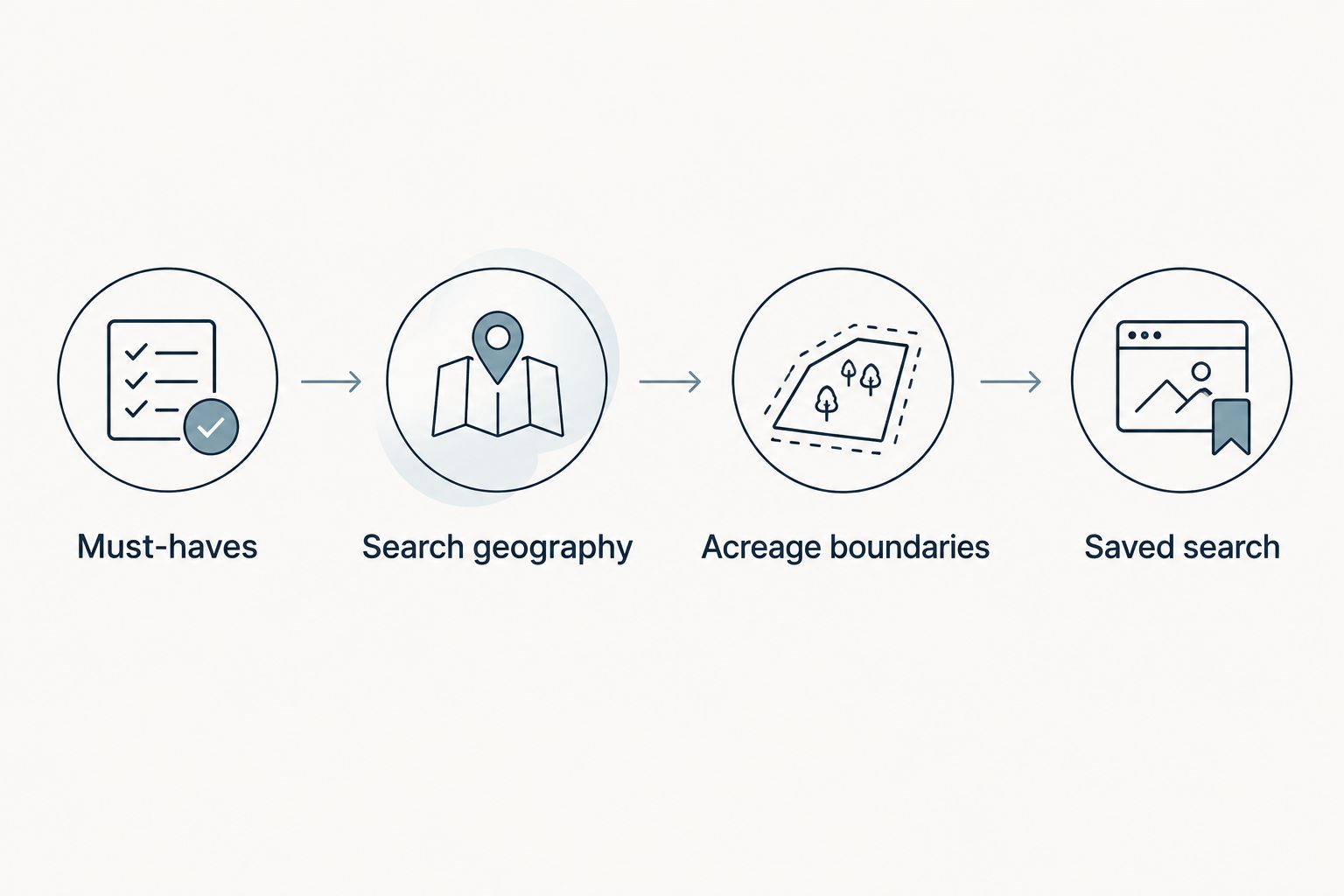
- Must-haves: Conditions that determine whether a parcel deserves further review.
- Preferences: Features you would accept a trade-off on.
- Verification questions: Conditions that require documents, professional review, or confirmation from the appropriate authority.
For example, road access belongs in the brief, but legal access belongs in verification. A road visible beside a parcel is not a substitute for reviewing the rights that allow you to use it.
2. Define the search geography
Specify Collin County and identify acceptable cities, unincorporated areas, or map boundaries. If proximity to Plano or North Dallas matters, describe the destination you need to reach rather than relying only on a city name.
Check the resulting map yourself. A postal address does not establish municipal jurisdiction, and the county filter does not answer which development rules apply to a parcel.
3. Establish the acreage boundaries
Choose a minimum and maximum acreage based on intended use. Keep a separate note explaining whether you would consider adjacent parcels or land with an existing structure.
For your 2026 brief, date the document and record which requirements are fixed. This keeps an exploratory preference from quietly becoming an exclusion rule.
Expected result: You have a written brief that an agent can translate into filters, plus a separate list of facts to verify after a listing matches.
Your saved-search configuration
1. Select the available property categories
Open the property-search account or ask your agent to configure the search. Select the categories that correspond to your brief, then inspect the results before enabling notifications.
Interface labels vary by provider. Use the actual controls in your account rather than assuming that a field called land includes every property type you would consider.
2. Apply location and acreage filters
Enter the geography and acreage boundaries from your brief. Add other filters only when their meaning is clear and the information is consistently represented in the listing records you review.
Do not assume that an empty utility or restriction field means the property lacks utilities or restrictions. Missing information is a question, not a negative answer.
3. Compare a focused search with a broader search
Review a focused search that captures your must-haves, then compare it with a broader version that relaxes preferences. Keep each search's purpose distinct.
If you set up 2 saved searches, use one for close matches and one for discovery. This is a configuration choice, not a promise that either search will capture every suitable parcel.
4. Name and record the search
Use a descriptive name such as Collin County Land — Primary Search 2026. Record the geography, acreage boundaries, included categories, and excluded preferences in your own notes.
Ask your agent to explain any criteria that cannot be represented as filters. Those items belong in the review process rather than disappearing from consideration.
Expected result: The visible search results fit the written brief, and you understand which requirements the search cannot evaluate.
Your notification delivery
1. Confirm supported events
Check whether the system distinguishes new listings, listing changes, and status changes. Select the events that support your buying process rather than enabling every notification by default.
A newly received email does not necessarily mean a property was newly listed. It can also reflect a listing that now matches your revised criteria or an update to an existing record.
2. Choose the available delivery frequency
Select the fastest supported option if you want prompt notice of matching records. Choose a digest if you prefer reviewing listings together.
An alert setting is not a delivery-time guarantee. Listing publication, data feeds, notification processing, and your email provider are separate parts of the path. Confirm what the selected platform actually offers.
3. Check the destination inbox
Verify the recipient address and inspect spam, promotions, and filtered folders. If your email service provides an approved-sender setting, use it for the actual sender address shown on a legitimate message.
Avoid forwarding alerts to several inboxes during setup. Establish a working primary destination first, then add another recipient only if the platform supports it and the recipient wants the messages.
4. Verify delivery without creating a fake listing
Use a preview or test-message feature if one exists. Otherwise, confirm that the search is saved, notifications are enabled, and the recipient is correct; inspect the next genuine matching notification against the saved criteria.
The Scott Michaels Group can help you discuss land-search requirements, but notification capabilities must be confirmed in the system selected for your search. Do not assume a particular email or text feature is included.
Expected result: You know which events trigger messages, where messages arrive, and how to distinguish a working configuration from a quiet market search.
Your listing-review handoff
1. Review the match before requesting a visit
Set aside a 15-minute review window when a relevant alert arrives. Use that time to identify unanswered questions, not to complete land due diligence.
Compare the record with your must-haves. Check the parcel location, stated acreage, property category, and available supporting documents. Save the listing identifier so everyone discusses the same property.
2. Separate listing statements from verified facts
Use 3 review headings: Access, Utilities, and Restrictions. Under each, record what the listing says, what supporting material exists, and what still needs confirmation.
For land alerts in 2026, this distinction remains essential: marketing remarks are a starting point for questions. They are not a substitute for title review, applicable authority requirements, or specialist investigation.
3. Send a clear next-action request
Tell your agent whether you want to reject the parcel, request documents, or discuss a visit. Include the listing identifier and the issue that determines your next move.
For example, ask for clarification of access before arranging a visit when access is a must-have. Avoid sending only a property link with no explanation of what interests or concerns you.
Expected result: Every relevant notification produces a recorded decision or a specific question rather than an untracked email thread.
Get alerts when an existing listing changes
A second workflow tracks properties you have already reviewed. Use listing-specific notifications, a watchlist, or a separate update search only where the chosen platform supports them.
Best for: buyers monitoring a shortlist rather than discovering new parcels. The advantage is attention to properties you already understand; the limitation is that you still need to interpret what each change means.
Keep discovery messages and shortlist updates separate. A status change does not establish that a parcel is available for your intended transaction, and revised remarks do not prove that a restriction has been resolved.
For each shortlisted property, record why it remains under consideration and what information would change your decision. This makes an update actionable instead of merely noticeable.
Troubleshooting
No alerts arrive
Open the saved search and inspect current results. If nothing matches, review restrictive filters before assuming delivery failed. If matches exist, check notification settings, the recipient address, and filtered inbox folders.
Alerts include unsuitable parcels
Identify which field admitted the unwanted results. Tighten that field only after checking that the change will not exclude relevant property categories. Move requirements that cannot be filtered into your manual review checklist.
The same parcel arrives repeatedly
Check whether you enabled both new-listing and update events, or created overlapping searches. Compare listing identifiers before deleting anything; similar addresses or adjacent parcels do not necessarily represent the same record.
A known listing does not appear
Check its category, acreage, map location, and status against your search. Ask your agent whether the record is included in the selected search source. An alert only covers the records and settings available to that search.
Customize your workflow
Review your setup when your intended use, location boundaries, or acreage needs change. Keep the search name and brief aligned so an old filter does not govern a new buying plan.
A useful 2026 maintenance habit is a 30-minute review after your initial batch of results. Compare accepted and rejected matches, then revise the filter responsible for irrelevant results rather than changing everything at once.
The Scott Michaels Group offers Collin County real estate advisory support for buyers evaluating land. Bring your written brief and unresolved property questions to the conversation; the next step is a clearer search and a defined review process.
FAQ
How do I set up Collin County land listing alerts?
Create a saved search in an account that supports notifications, or ask your agent to configure one. Define location, acreage, and property categories, then confirm delivery settings and review the matching results.
Can I receive land listing alerts by text?
Text delivery depends on the selected platform and account settings. Confirm support and recipient consent before making text messages part of your workflow.
Will a land alert tell me whether I can build a house?
A land alert does not establish whether you can build a house. Verify applicable requirements, restrictions, access, utilities, and site conditions for the specific parcel.
Should I search only for vacant land?
Search only for vacant land if you intend to exclude properties in other categories. If an existing structure is acceptable, review the broader property classifications with your agent.
Why am I receiving updates about a property I already saw?
Your search may include listing-change events or overlap with another saved search. Compare the notification type and listing identifier, then separate discovery alerts from shortlist updates.
Do listing alerts include every parcel for sale in Collin County?
Listing alerts cover matching records available through the selected search source, not every possible land opportunity. Ask your agent about the search's coverage and relevant property categories.
What should I do first when a matching parcel arrives?
Compare the parcel with your must-haves and identify the question that controls your next step. Send your agent the listing identifier and a clear request for documents, clarification, or a visit.
One last thing
The most useful search field can be the one you deliberately leave out. When an important listing field is inconsistently completed, a strict filter can hide candidates that deserve investigation. Keep uncertain facts in the verification checklist, and let confirmed deal-breakers control the search.